

VOD libraries become valuable when browsing feels intentional. Without a workflow, large movie and series catalogs can feel slower than they should, even when the content itself is loaded correctly.
Schnellnavigation
BleuPlayer Kernthemen entdecken
Nutzen Sie diese internen Links, um zwischen den Hauptseiten von BleuPlayer Pro, IPTV Player, M3U Player und Smart TV zu wechseln.
Browse the catalog like a library
Start with sections that narrow the decision: recently added, genre, language, or provider collections that match how you usually watch. This is faster than opening the full catalog and hoping the right item appears quickly.
When you test a new provider, inspect how consistently the VOD titles are named and grouped. Clean metadata turns a huge library into a usable one.
Pro tip: search by title fragment or actor only when category browsing is too broad. Good filtering beats endless scrolling.
Use watch history and resume intelligently
Resume features work best when the same title is not duplicated across several sources. If you maintain multiple libraries, keep them labeled clearly so you know which one contains the cleanest version of a movie or season.
For series, confirm the provider actually structures seasons and episodes properly. A polished interface can only go so far if the underlying content is inconsistently labeled.
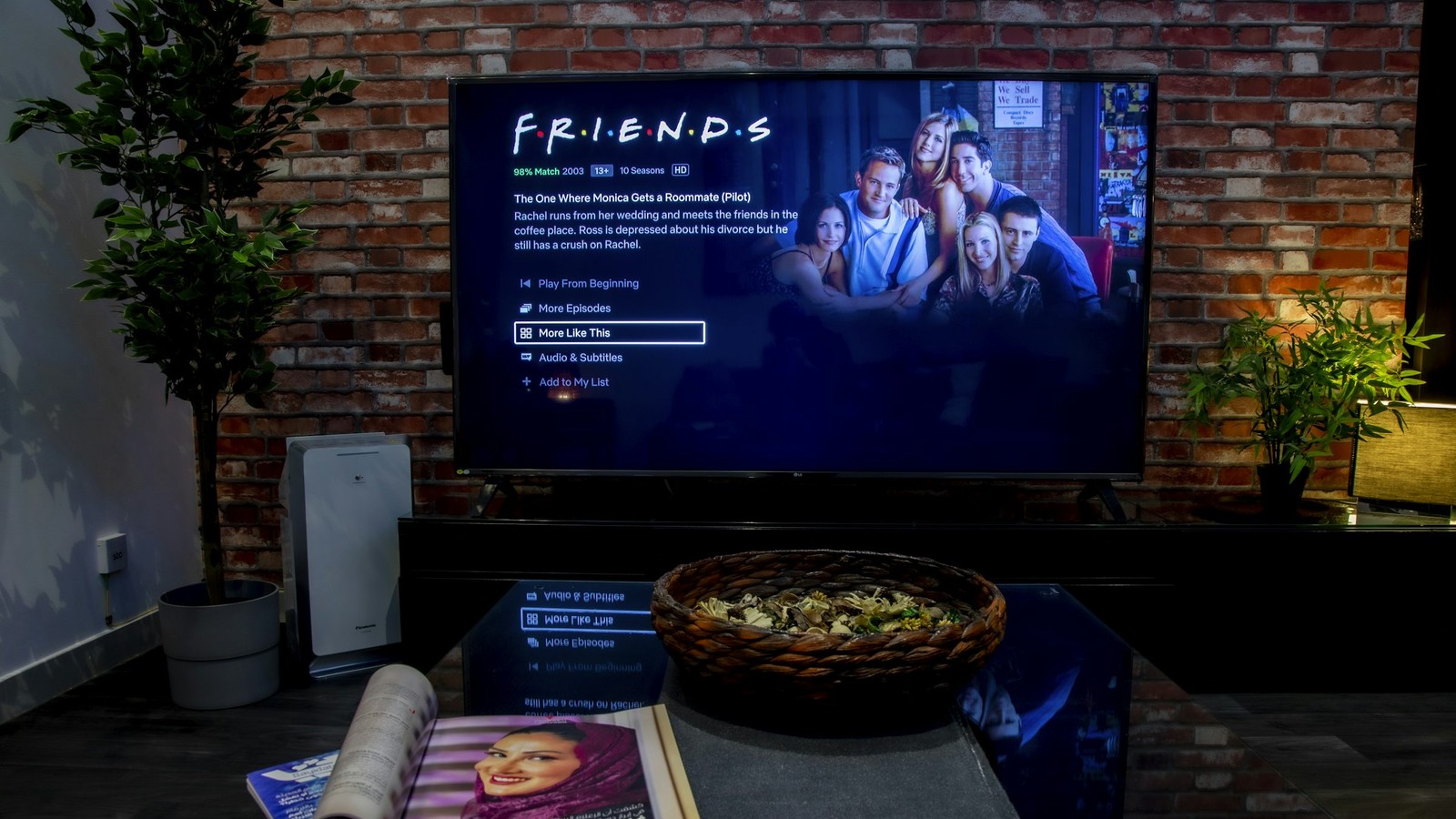
Treat audio and subtitles as part of the experience
Do not accept the default track blindly. Check whether the source provides multiple languages or subtitle options, especially on family devices where viewers have different needs.
Subtitle size, color, and timing matter much more on TVs than on phones. What looks acceptable on a small display can become distracting or unreadable in the living room.

Resume history is useful only if the library stays clean enough to surface what you actually plan to finish.
Keep large catalogs responsive
Massive VOD sections put pressure on memory, navigation speed, and search quality. If a device feels sluggish, trim unnecessary sources and rely on the cleanest library instead of stacking several overlapping catalogs.
A professional VOD experience comes from clean metadata, controlled browsing, and thoughtful subtitle or audio choices.
Nachster Schritt