
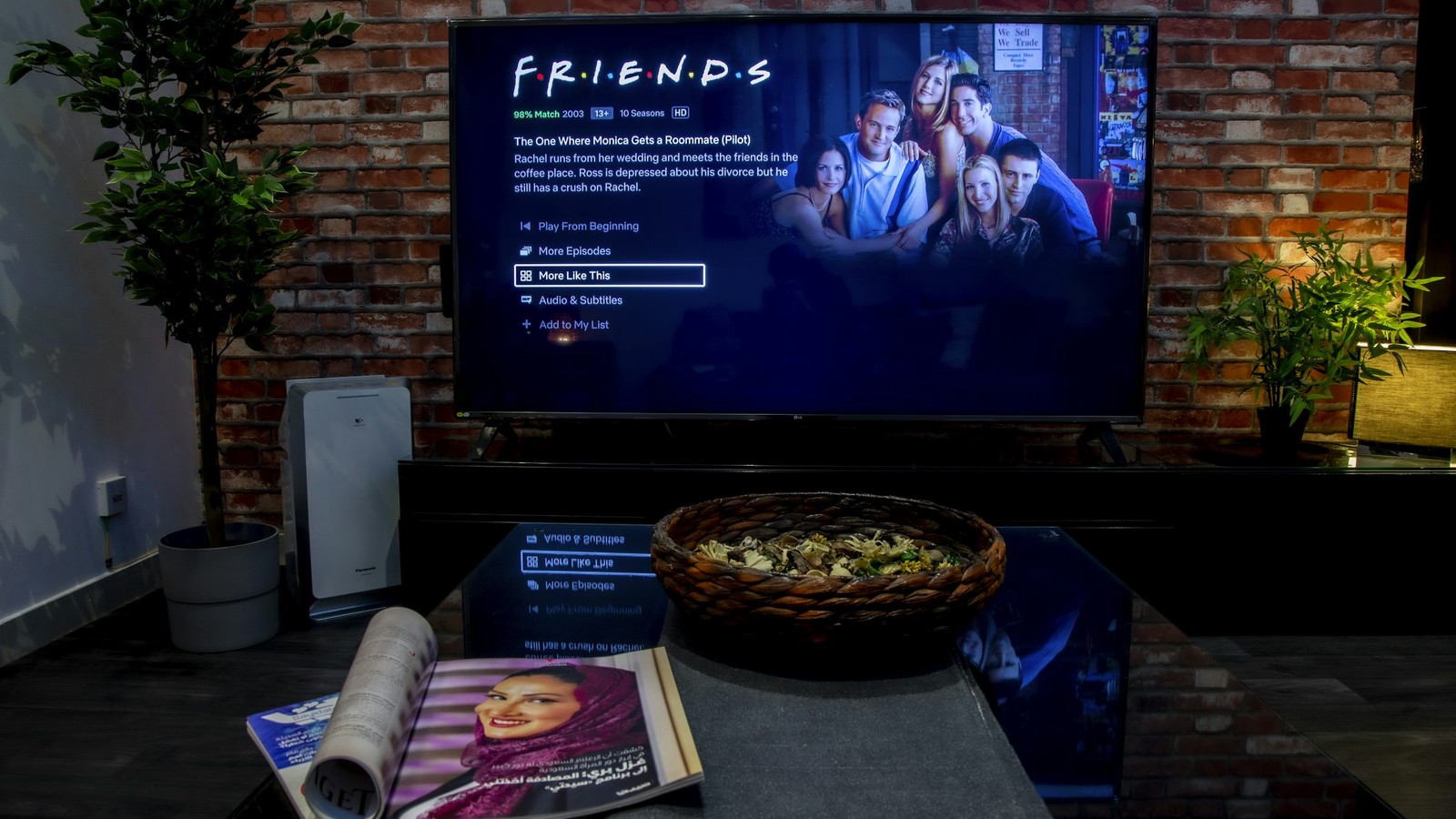
High resolution labels look impressive, but picture quality depends on far more than the number in the title. A 4K stream with poor bitrate control or weak encoding can look worse than a well-delivered 1080p source on the same screen.
Navigazione rapida
Esplora i temi principali di BleuPlayer
Usa questi link interni per passare tra le pagine principali di BleuPlayer Pro, IPTV Player, M3U Player e Smart TV.
Resolution is only one part of perceived quality
Bitrate, frame rate, compression profile, and source quality all matter. Sports often expose poor encoding faster than movies because motion reveals macroblocking, ghosting, and frame drops very quickly.
That is why two channels advertised as 4K can look completely different. One may have strong encoding with good motion handling, while the other is simply a stretched source wearing a premium label.
Pro tip: resolution tells you how large the canvas is, not how intelligently the stream was encoded.
Plan for bandwidth and codec efficiency together
HEVC and newer codecs can deliver better quality at the same bitrate than older formats, but only if the playback device decodes them smoothly. A modern codec on an underpowered device becomes a playback problem instead of a quality upgrade.
Leave bandwidth headroom instead of designing for the exact advertised speed of your connection. Network spikes, concurrent household traffic, and Wi-Fi interference can destroy a stream that looked safe on paper.

Do not ignore the TV and player settings
Picture mode, motion smoothing, dynamic contrast, and HDR handling can all distort your judgment when you compare stream quality. If you want an honest test, start from a neutral TV profile and change one variable at a time.
Inside BleuPlayer, make sure you are not forcing a decoder path that your device handles badly. Smooth decoding and correct aspect behavior are more valuable than theoretical peak quality that cannot play without drops.

Chasing the highest label makes less sense than chasing the most stable picture for your device and network.
Optimize for consistency, not marketing
A stable 1080p or moderate-bitrate 4K source often produces a better everyday result than an unstable high-bitrate stream that buffers under pressure. Reliable quality is what makes a setup feel premium in daily use.
Professional streaming setups balance resolution, bitrate, codec efficiency, device capability, and network headroom instead of chasing a single number on the channel label.