
Step 1
Install the App
- Open the official store for your device.
- Or follow the platform guide on the downloads page.
Use your own M3U playlist or Xtream details on Android TV and Google TV with a clean remote-friendly interface. The optional web portal helps you send long links to your TV more comfortably. No channels or subscriptions included.
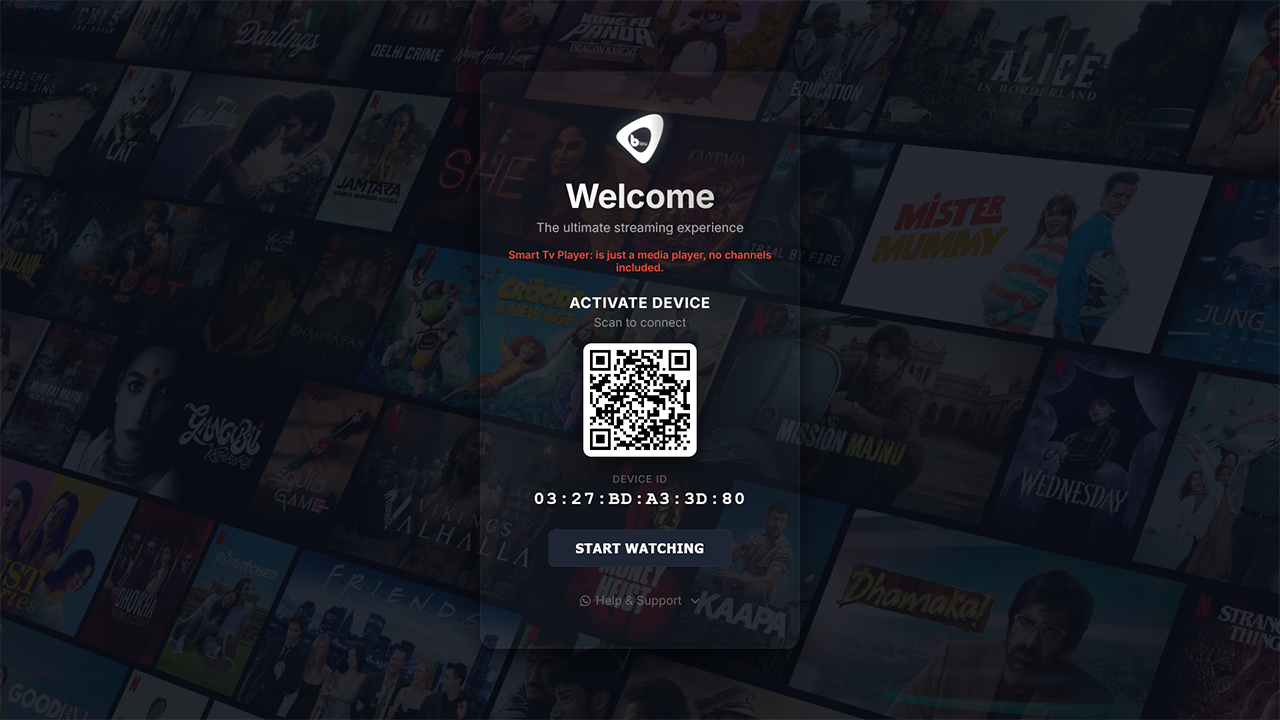
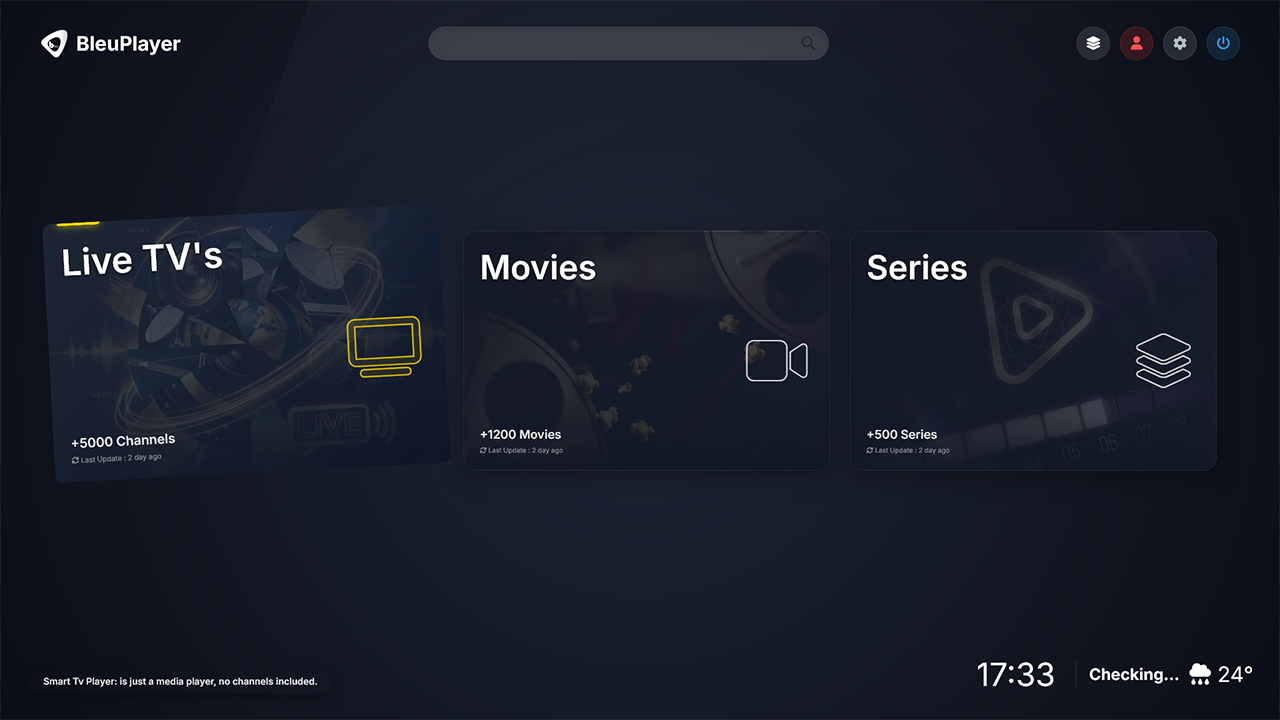
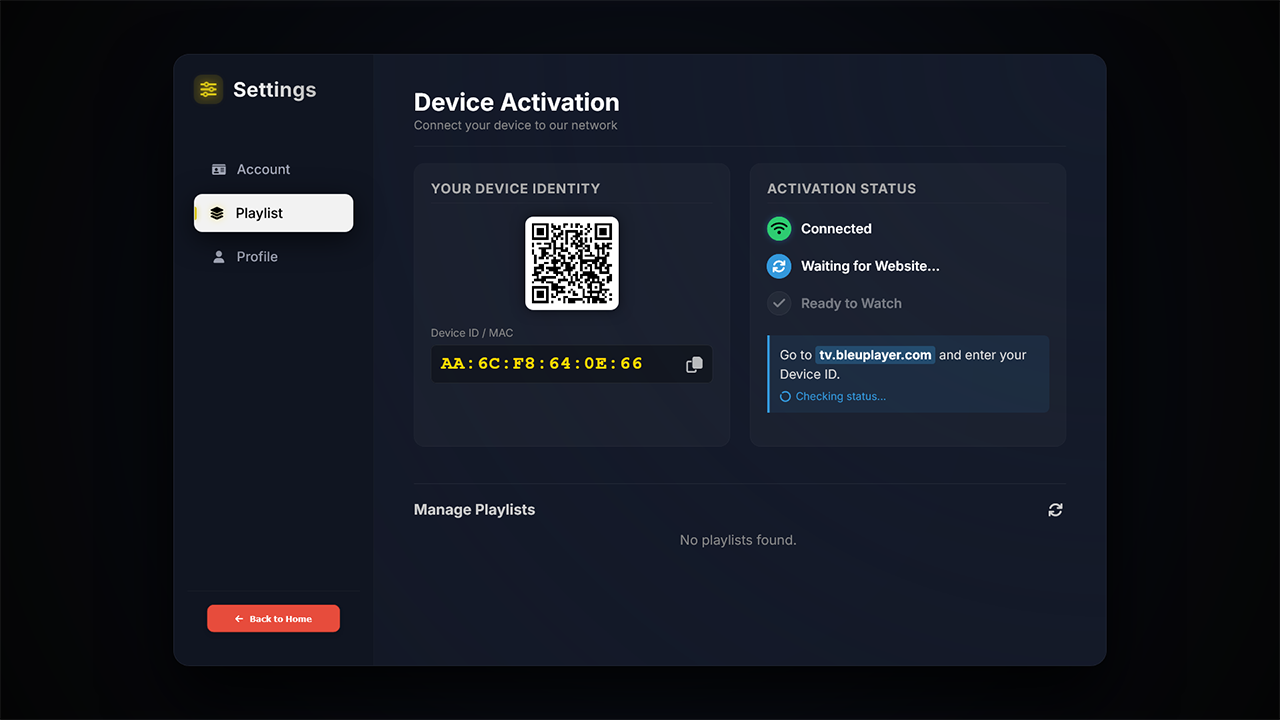
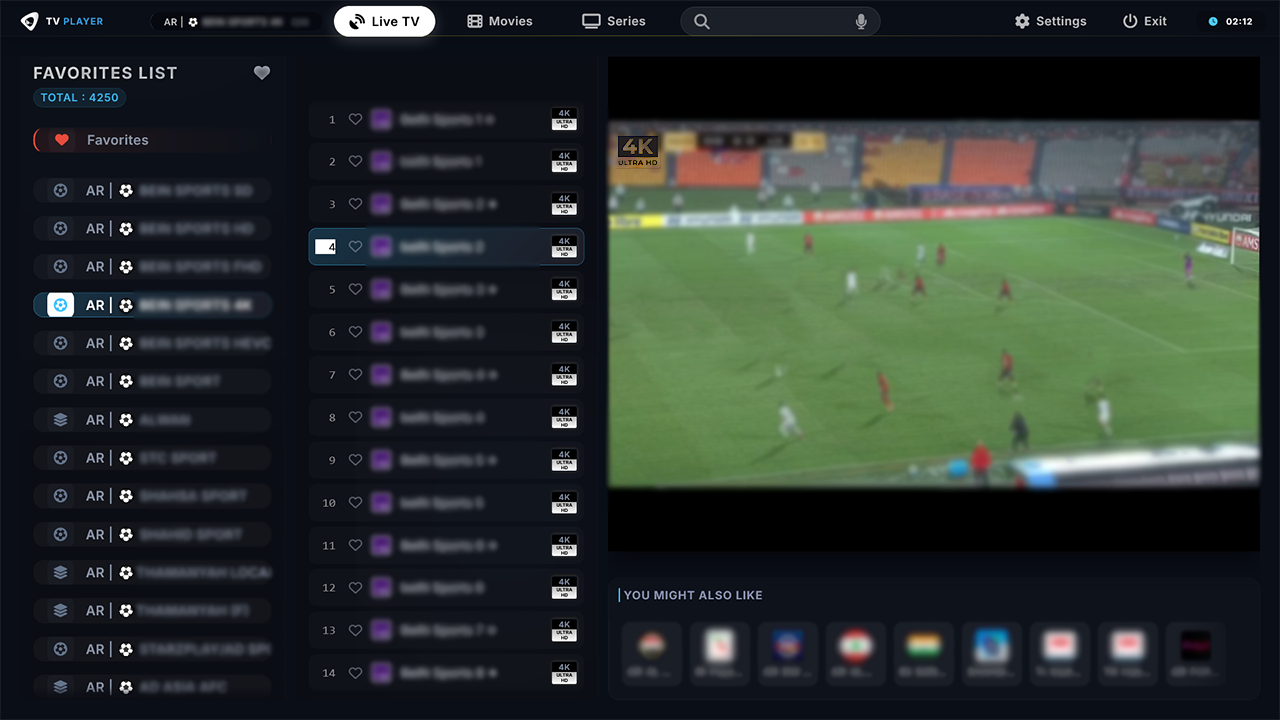
Preview the TV interface before you install.
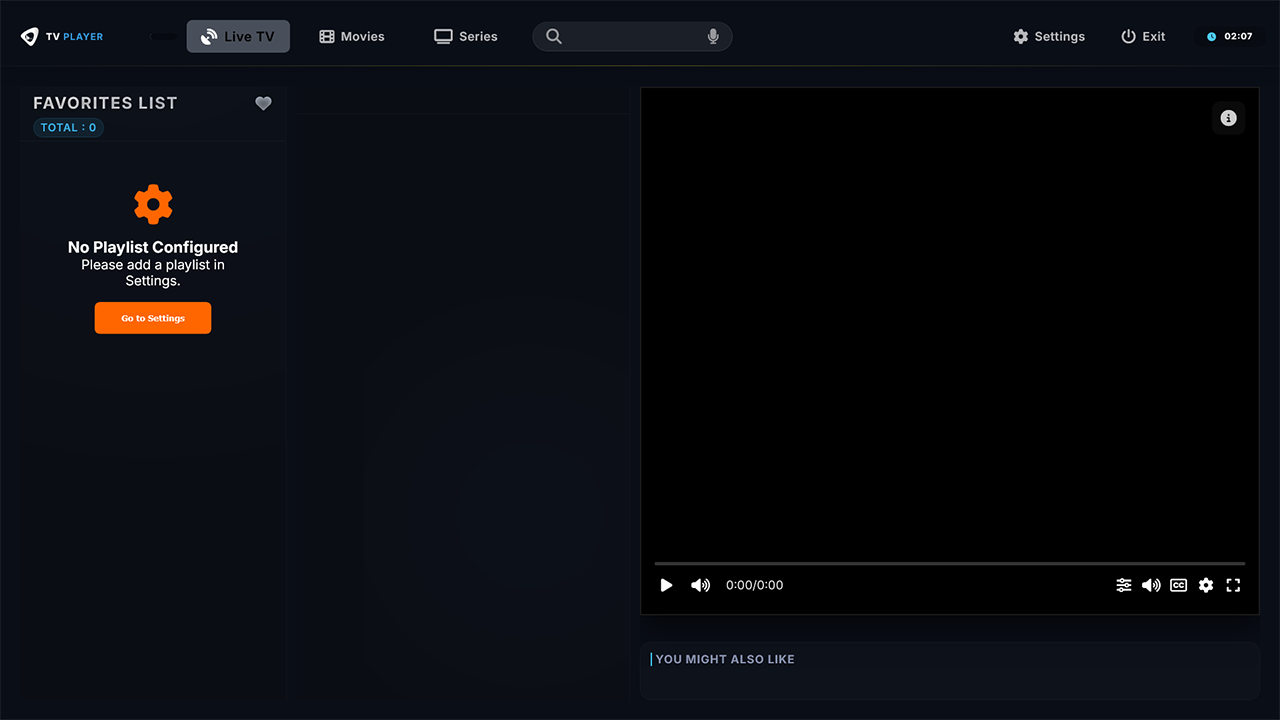
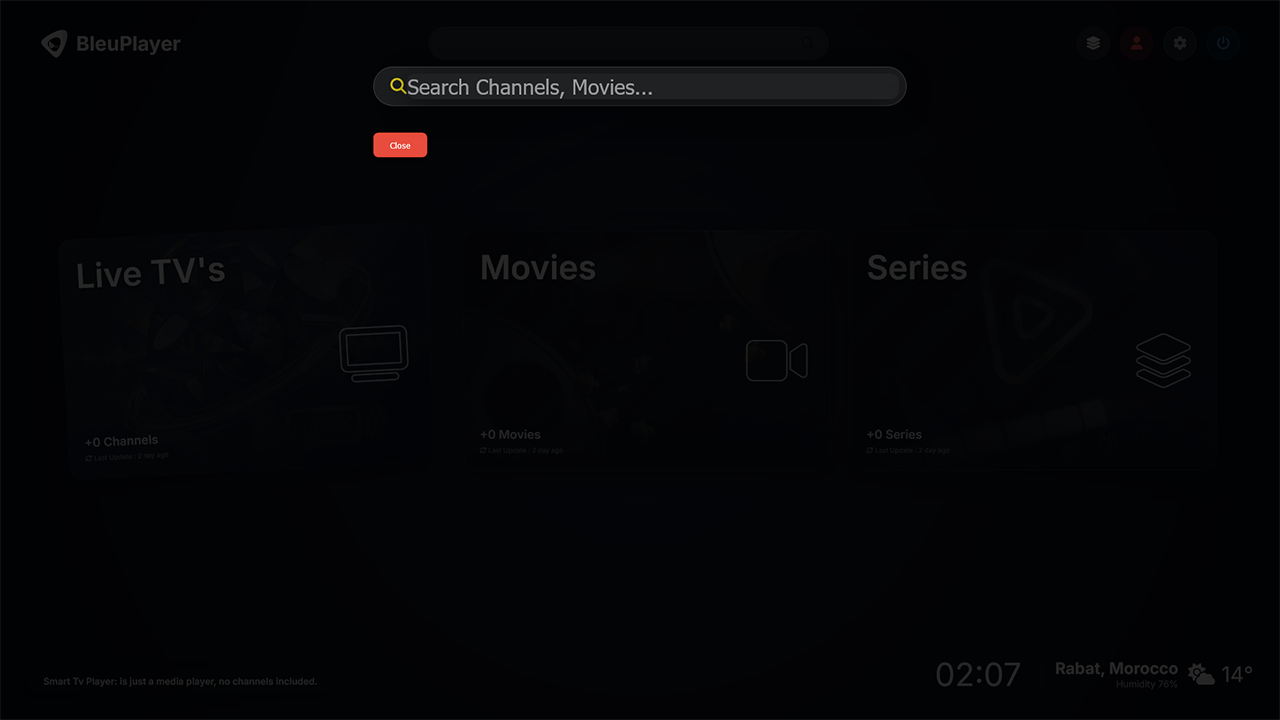
AVAILABLE ACROSS ALL YOUR FAVORITE PLATFORMS







We have identified third-party websites using the BleuPlayer name to market IPTV subscriptions or channel packages. Those offers are not official and are not affiliated with BleuPlayer Pro.
BleuPlayer Pro operates only as a media player application. We do not provide or sell IPTV subscriptions, channels, or content of any kind.
BleuPlayer Pro focuses on the parts that matter most on TV.
A clean layout made for remote control navigation, so browsing playlists and settings feels natural on Android TV and Google TV screens.
Fast startup, practical controls, and a stable viewing experience for everyday use.
Uses supported device capabilities to improve playback efficiency and keep the experience responsive.
Add your own playlist URL or Xtream login details in the way that suits you best. BleuPlayer Pro is the player, while the content source remains yours.
Install the player, add your own source, and decide later whether you need a paid activation plan.