

How to Use BleuPlayer Pro
A practical walkthrough of navigation, favorites, search, playback controls, and daily maintenance inside BleuPlayer Pro.
- Choose login method
- Organize your library
- Tune playback wisely
BleuPlayer Pro Knowledge Base
Use these articles to install the app, understand M3U or Xtream inputs, tune playback, and solve everyday TV workflow issues without guesswork.
Featured guide
Begin with the article that gives users the fastest path to a clean day-to-day experience inside BleuPlayer Pro.
A practical walkthrough of navigation, favorites, search, playback controls, and daily maintenance inside BleuPlayer Pro.
All articles
Every article is written to solve a real setup, playback, or maintenance task without hype.
Step through M3U and Xtream imports, validation checks, and safe update habits before content reaches the player.
Read article
A structured way to isolate login failures, DNS issues, timeouts, and player-side errors without guessing.
Read article
Understand how bitrate, codec, frame rate, and device limits shape 4K and 8K playback quality in real use.
Read article
Learn what Xtream logins contain, why they are popular, and how they differ from raw M3U playlists.
Read article
Understand how M3U playlists are structured, what metadata matters, and how to edit them without breaking playback.
Read article
A realistic look at what separates strong IPTV players from average ones, with criteria that matter in daily use.
Read article
Turn a crowded channel list into a fast daily experience with favorites, hidden groups, and consistent naming.
Read article
Use VOD libraries more effectively with better search habits, resume workflows, and subtitle or audio choices.
Read article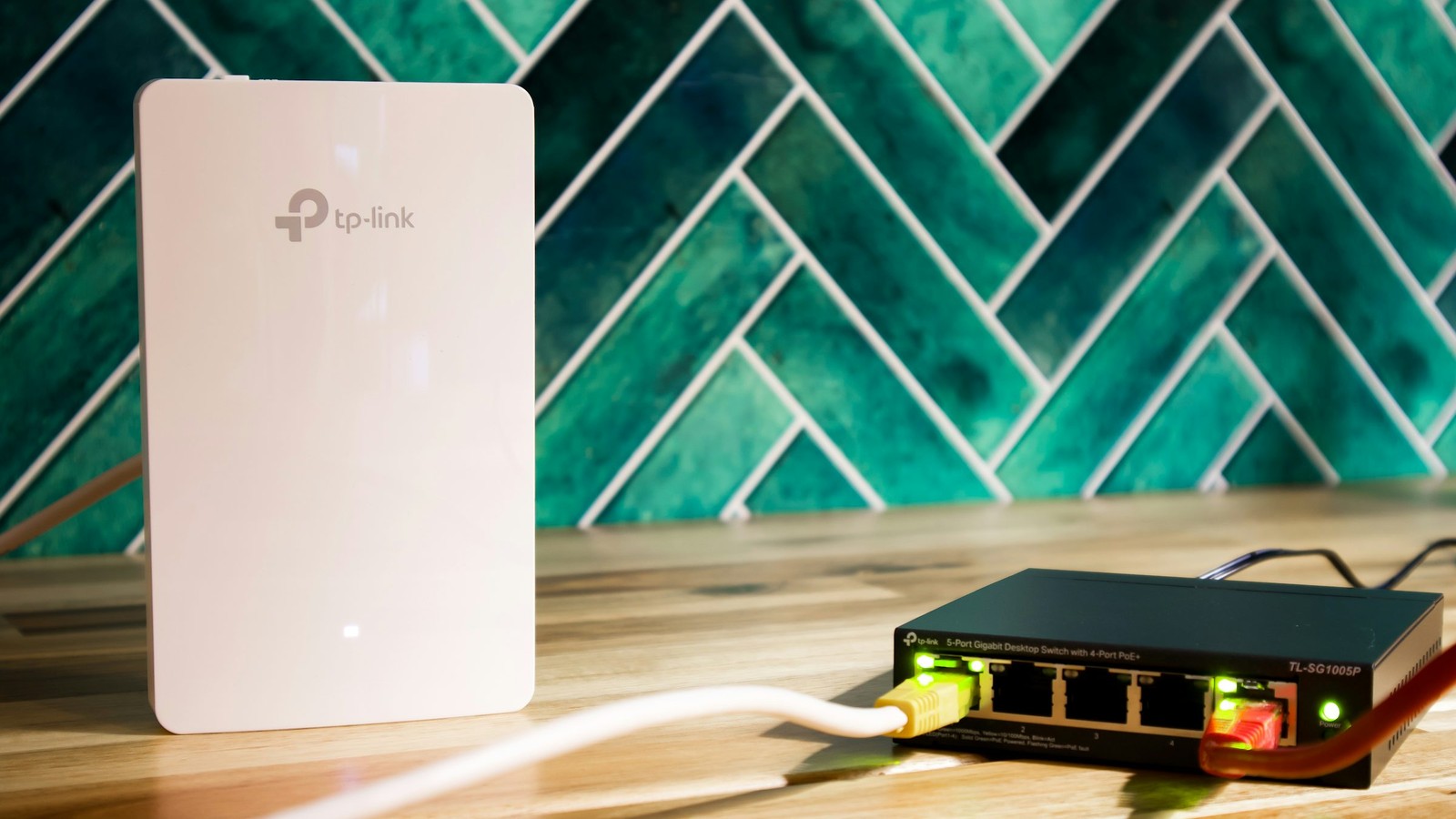
Get guide data working consistently by matching the right source, timezone, and channel metadata.
Read article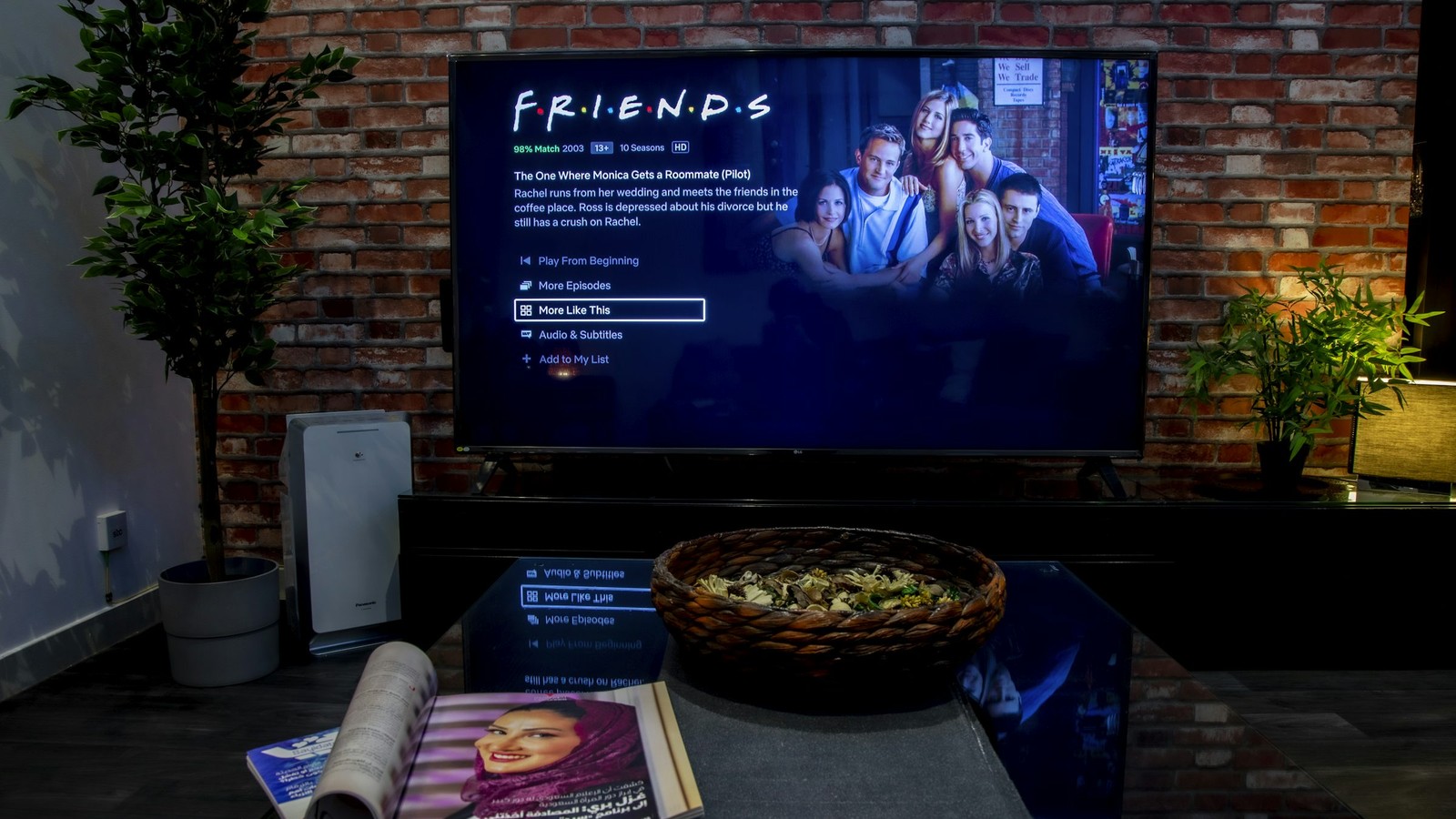
Make multi-screen viewing useful by matching it to the right device, layout, and bandwidth budget.
Read article
A balanced explanation of when a VPN helps IPTV users, where it adds overhead, and what it does not solve.
Read article
Track buffering back to the real cause with tests for source quality, network stability, and device decode behavior.
Read article
Install BleuPlayer Pro on Samsung or LG TVs cleanly, then configure the first-run settings that matter on a living room screen.
Read article
Install BleuPlayer Pro safely on Android devices and Firestick hardware, then tune the first-run settings for smoother playback.
Read article
Set up BleuPlayer Pro on iPhone, iPad, or Apple TV with a clean install route and platform-specific playback habits.
Read article
Create useful parental controls with restricted categories, PIN protection, and cleaner family-facing navigation.
Read article
Use catch-up TV more effectively by understanding provider support, replay windows, and guide alignment.
Read article
Improve day-to-day viewing comfort with better default audio choices, subtitle tuning, and sync adjustments.
Read article
Renew licenses and service access cleanly by checking what is expiring, when to renew, and what to verify after payment.
Read article
Understand the difference between an IPTV player, an M3U player, and formats like Xtream so you can choose the right setup without confusion.
Read article
Set up BleuPlayer Pro on a Smart TV with picture, playback, and navigation choices that improve daily use without overcomplicating the app.
Read articleNeed the next step?
Download the app, open the activation portal, or review the FAQ and transparency page for setup details.