
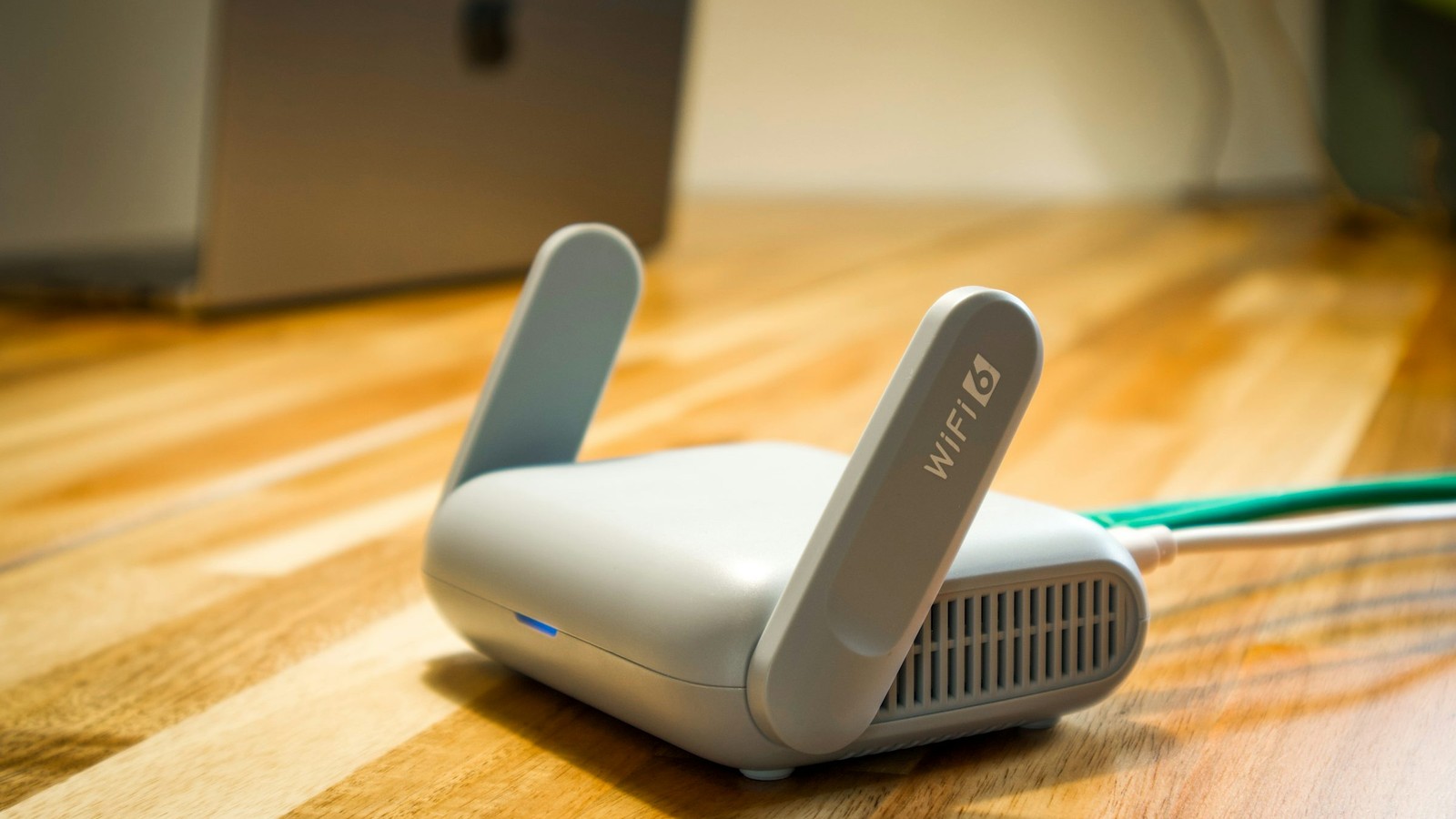
Buffering is one symptom with several possible causes. Treating it as a single problem leads to wasted time because a congested provider, unstable Wi-Fi, overloaded device, or unrealistic bitrate demand can all look almost identical from the sofa.
Quick Navigation
Explore core BleuPlayer topics
Use these internal links to move between the main BleuPlayer Pro, IPTV Player, M3U Player, and Smart TV pages.
Decide whether the issue is local or upstream
Compare a problematic stream across devices or networks whenever possible. If it fails everywhere, the provider or source encoding is the likely bottleneck. If it improves on another network or device, your local environment deserves closer attention.
This first split matters because it prevents pointless changes. There is no value in rebuilding your home setup to solve a stream that is unstable everywhere.
Pro tip: test the same stream under different conditions before changing every quality setting at once.
Reduce bitrate pressure where it makes sense
Not every device and network should be expected to carry the highest stream variant comfortably. If a lower-demand source runs cleanly while the premium one stalls, the difference may be pure headroom rather than a player defect.
This is especially true on crowded Wi-Fi, older streaming sticks, or households with simultaneous gaming, video calls, and cloud backups.
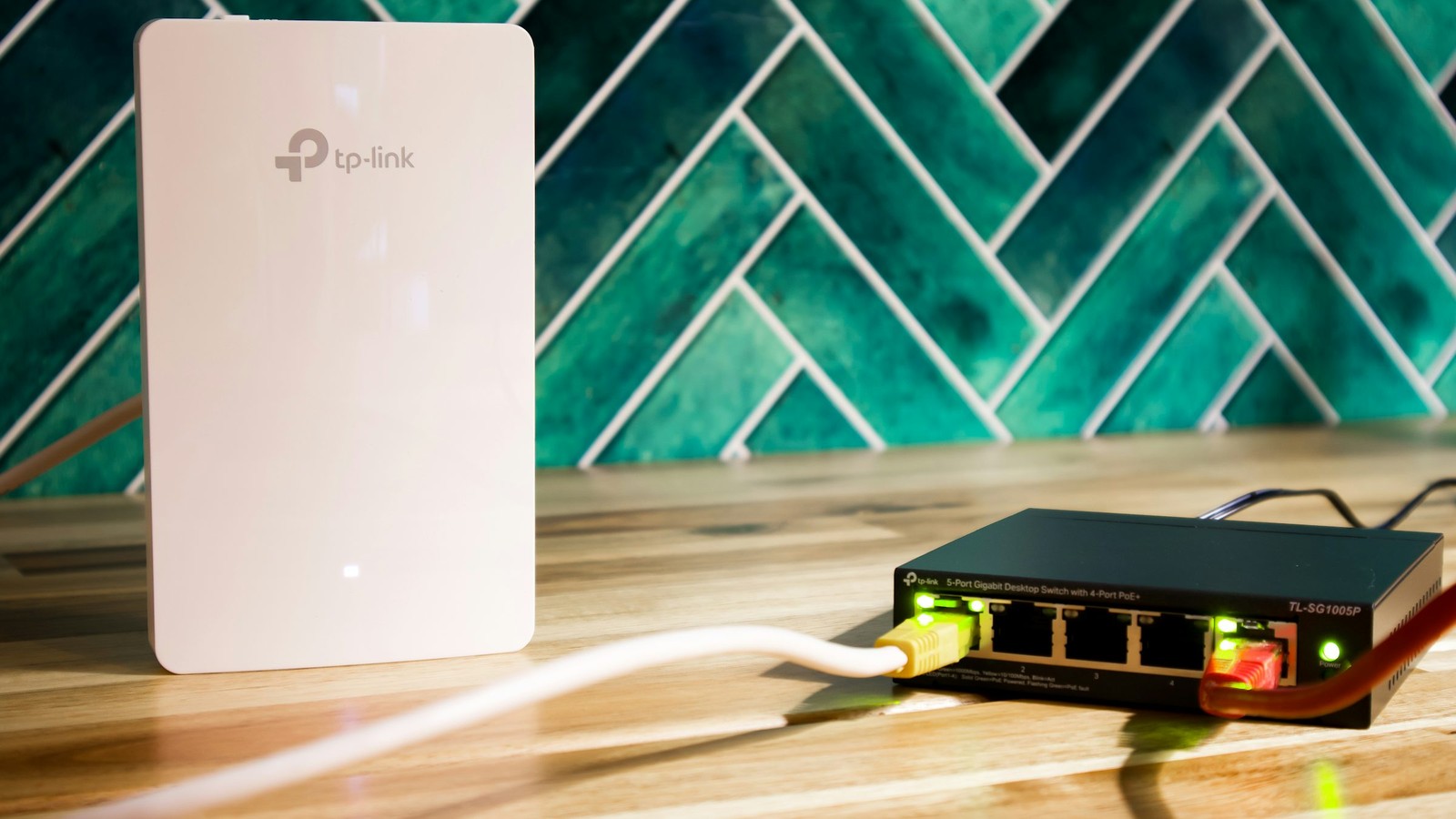
Inspect the home setup realistically
Router placement, channel congestion, and signal quality can all create intermittent pauses that look like provider issues. Ethernet or better signal positioning often reveals whether the problem was local all along.
Also remember that decoder behavior matters. A device under heavy thermal or processing pressure can begin to stutter before the network itself is fully exhausted.

If one stream buffers on every network and every device, the source is usually the main suspect.
Escalate with a clear checklist
When you contact support, explain which stream buffered, on which device, under which network, and whether the same stream was tested elsewhere. That information gives support something actionable instead of a vague complaint.
A measured test process is what turns buffering support into engineering instead of guesswork.