
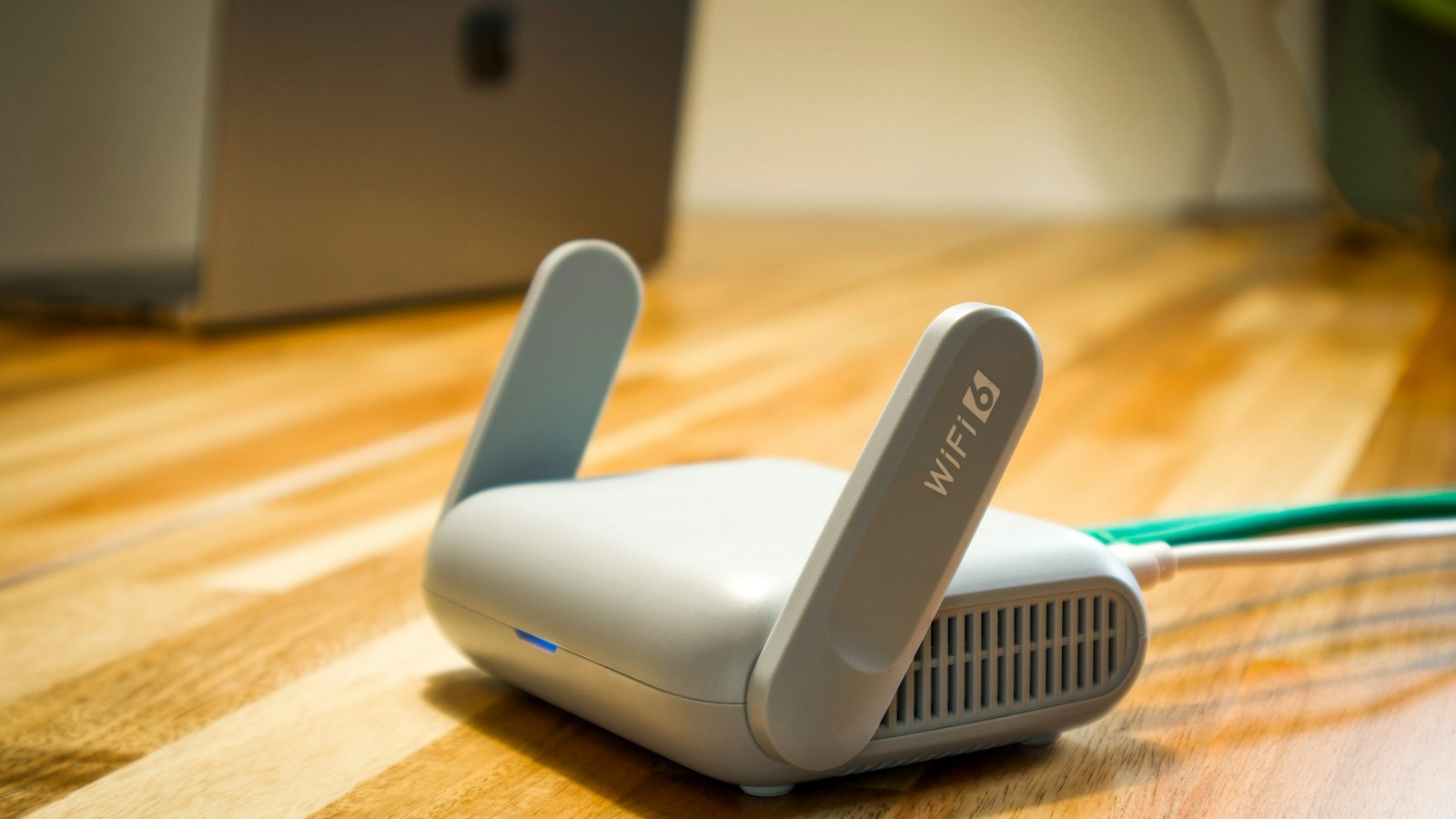
A VPN can be helpful in some IPTV workflows, but it is not a universal fix. The right way to think about it is as a network tool that may improve privacy, routing, or consistency in specific situations while also adding overhead if used carelessly.
Quick Navigation
Explore core BleuPlayer topics
Use these internal links to move between the main BleuPlayer Pro, IPTV Player, M3U Player, and Smart TV pages.
Know what a VPN can actually improve
Depending on your environment, a VPN may help with privacy on untrusted networks, smoother routing around local congestion, or avoiding ISP-specific quirks. Those are practical benefits when the network path itself is part of the problem.
What it cannot do is repair expired credentials, broken playlists, or poor-quality streams. If the source is bad, wrapping it in a VPN does not make it professionally delivered.
Pro tip: a VPN can change the path your traffic takes, but it cannot turn a weak provider into a stable one.
Choose server location with purpose
A nearby, well-performing server often gives the best balance between privacy and speed. Picking a distant location for no reason adds latency and can make playback feel worse even if the source itself is unchanged.
Test a small set of server regions instead of hopping endlessly between them. Controlled comparisons reveal whether the VPN is helping or merely introducing extra complexity.
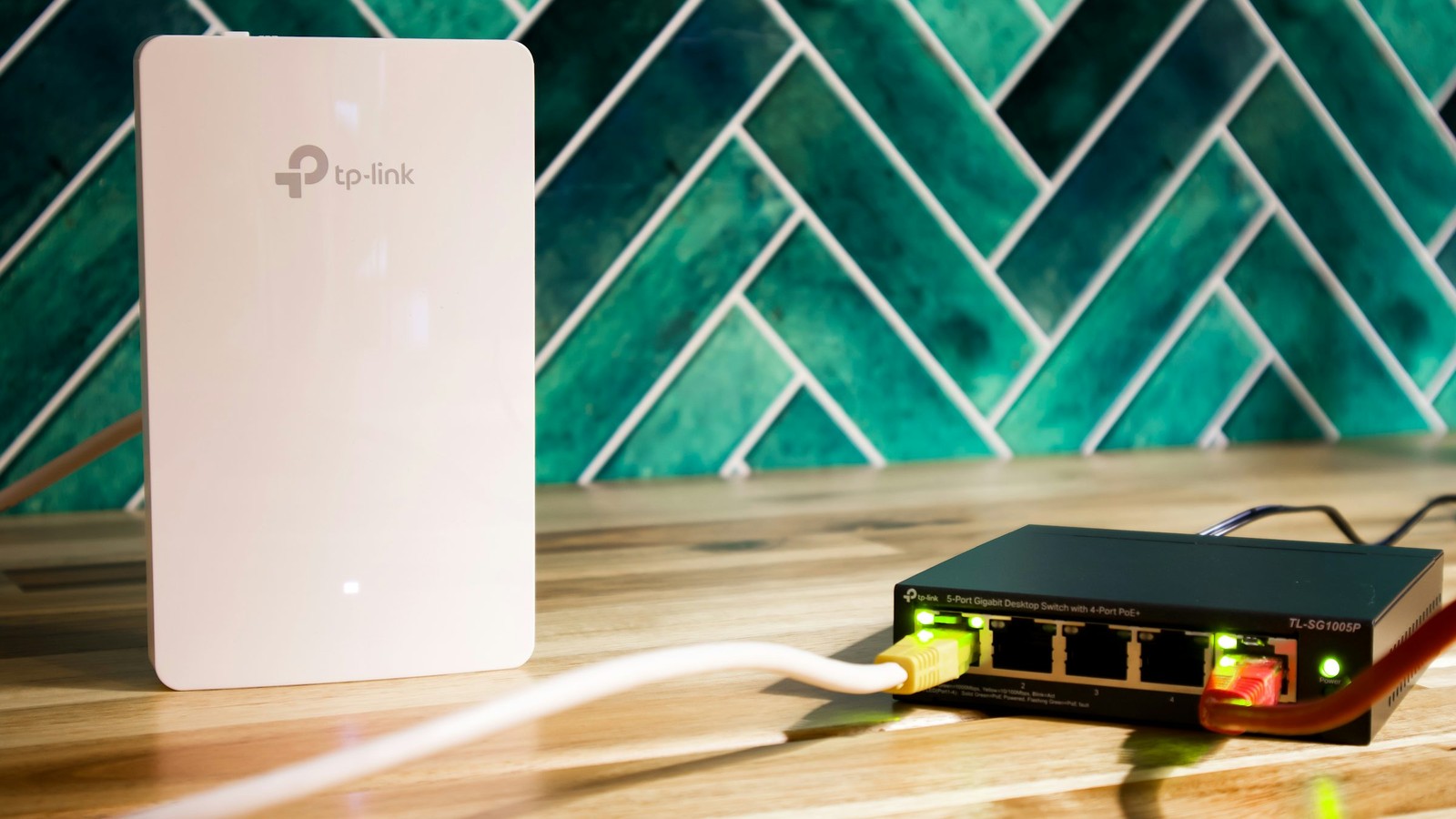
Balance privacy with playback performance
Encryption overhead and crowded VPN nodes can reduce throughput. That matters more on higher-bitrate live events and multi-screen sessions, where the margin for performance loss is smaller.
If a VPN is part of your normal setup, keep the rest of the network disciplined: good Wi-Fi placement, strong DNS behavior, and realistic bandwidth expectations still matter.

The safest VPN setup is the one you understand well enough to monitor, not the one with the loudest marketing.
Stay compliant and protect account integrity
A VPN is not permission to ignore provider terms, platform policies, or local rules. Use it as an infrastructure tool, not as a substitute for understanding the services and content you are authorized to access.
Use a VPN thoughtfully, test the tradeoffs, and keep expectations grounded in network reality.