
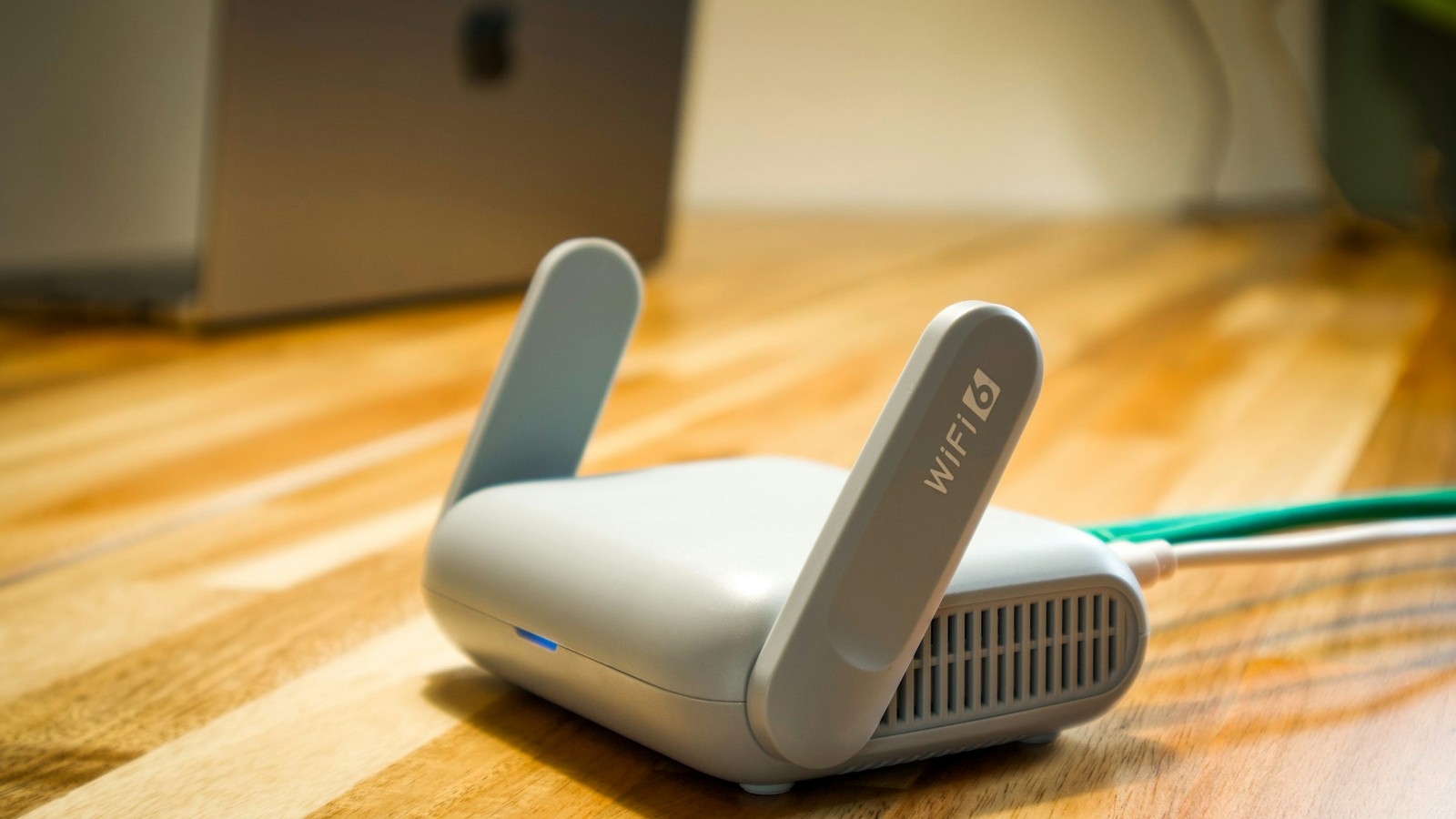
Connection problems feel random only when the troubleshooting process is random. In practice, nearly every failed login or unreachable stream belongs to one of four layers: credentials, provider availability, local network conditions, or device-side state.
Navigation rapide
Explorer les sujets centraux de BleuPlayer
Utilisez ces liens internes pour passer entre les pages essentielles de BleuPlayer Pro, IPTV Player, M3U Player et Smart TV.
Find out where the failure starts
If the library never loads, begin with credentials and server reachability. If categories appear but streams fail to open, the problem is likely further downstream, such as network quality, expired access, or stream-side blocking.
Separate login errors from playback errors. They look similar to casual users, but the recovery path is completely different once you know whether the app can authenticate at all.
Pro tip: identify the failing layer before reinstalling anything. Reinstalls rarely fix provider outages or bad credentials.
Run the network checks that matter
Test on another network if possible, even briefly. Switching between home Wi-Fi and mobile hotspot is one of the fastest ways to reveal whether the issue is local routing, ISP filtering, or something specific to the provider endpoint.
Restarting a router can help when DNS or address leasing has gone stale, but only after you confirm the source itself still works.
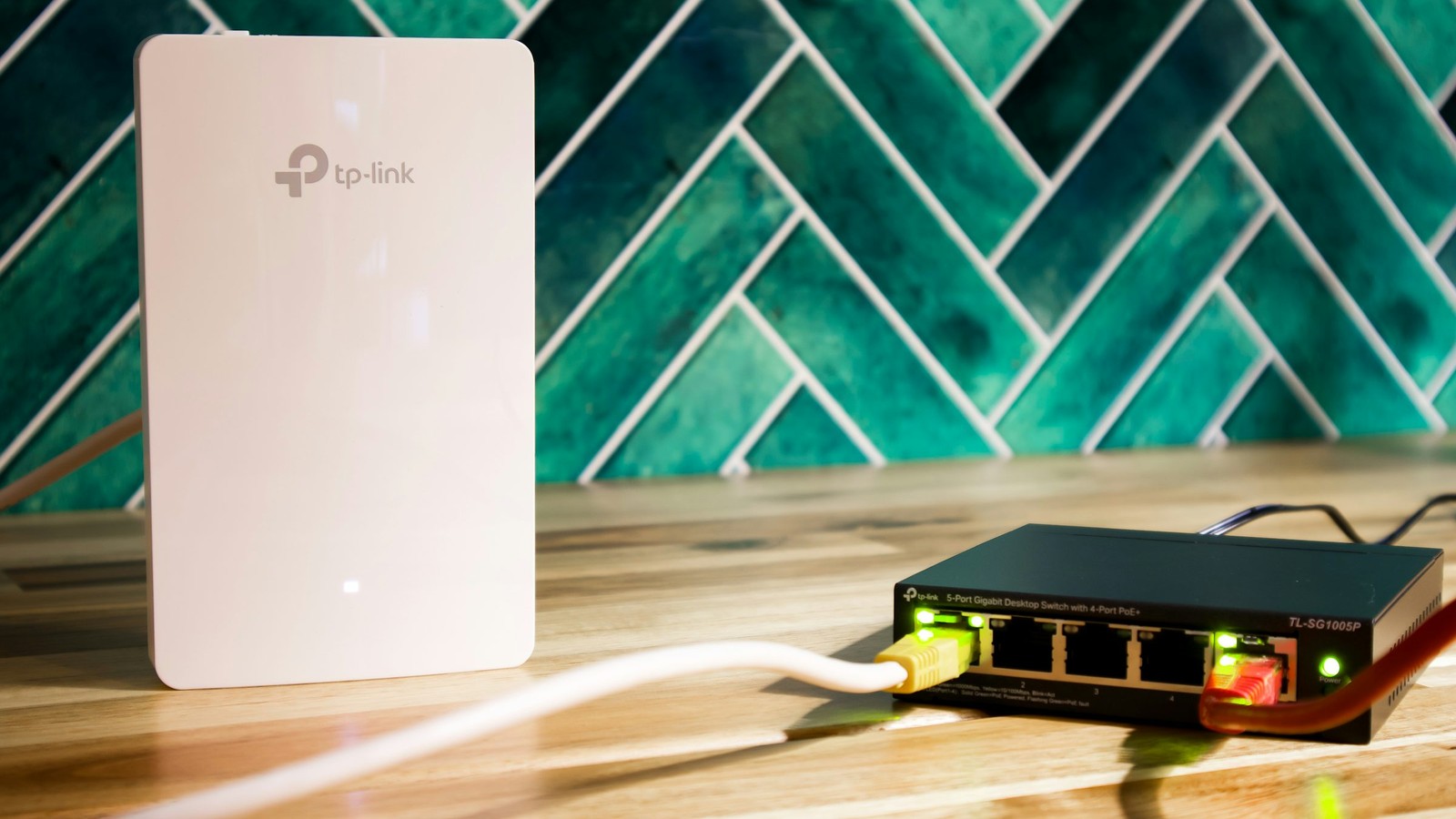
Reset the app state only when it is justified
If a source was working and then suddenly behaves oddly after an update, clear only the affected source or refresh the library first. A full app reset should come later, after you have confirmed that account details and provider status are still valid.
Keep screenshots of the exact error text before clearing anything. The message, time, and context often tell support more than a fresh reinstall ever will.
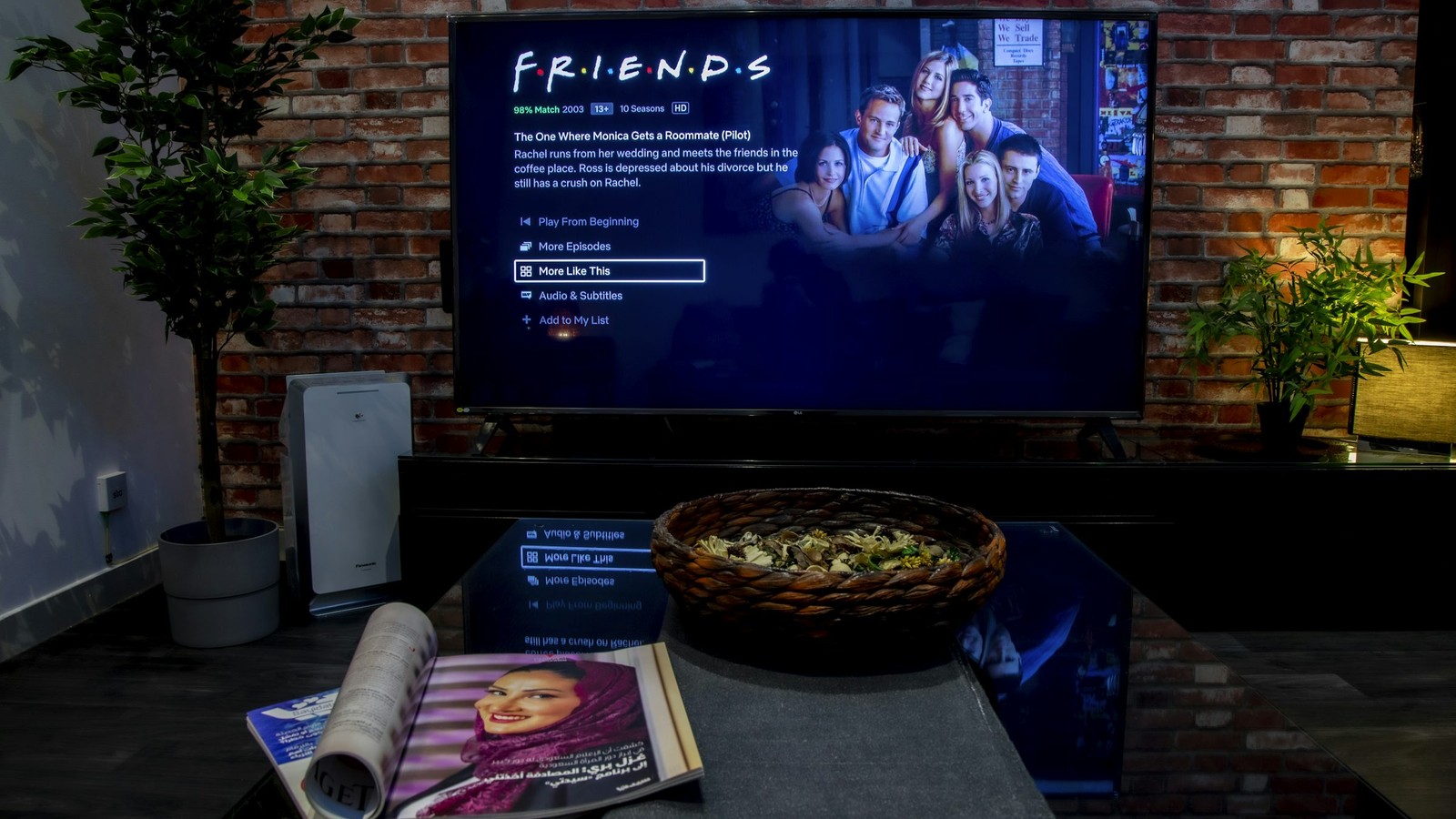
A reliable test sequence saves more time than a dozen speculative setting changes.
Know when the provider must step in
If the same credentials fail across more than one device and more than one network, the problem is usually not BleuPlayer. At that point the provider needs to confirm account status, server health, line limits, or regional routing issues.
Connection repair is mostly about discipline: check the source, compare networks, reset only the correct layer, and escalate with evidence when the provider owns the failure.
Etape suivante