
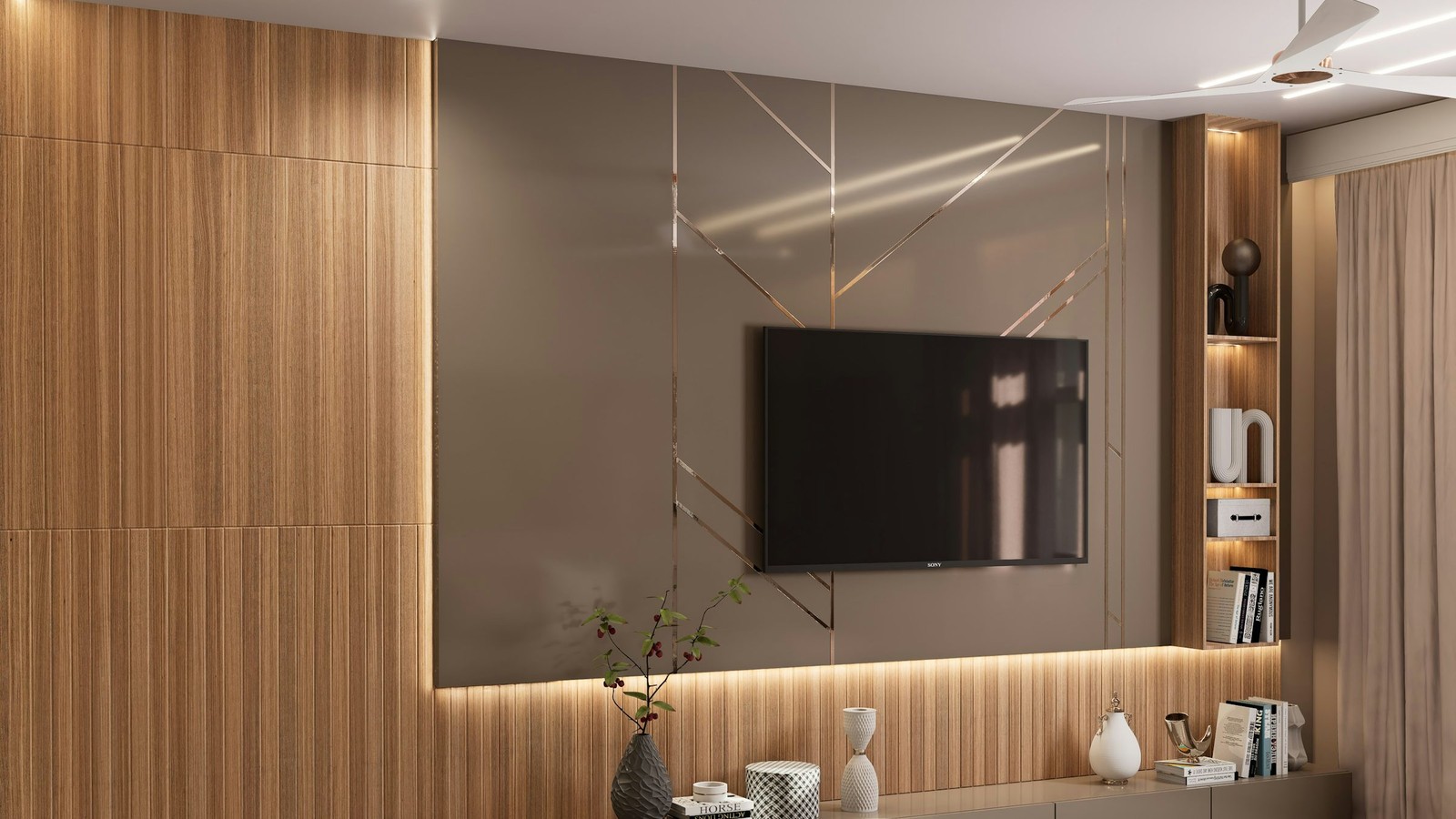
Smart TV installation is easiest when you treat the television as its own platform rather than a weaker copy of a phone or Android box. The setup flow, remote behavior, and performance profile on Samsung and LG devices deserve their own approach.
Navigation rapide
Explorer les sujets centraux de BleuPlayer
Utilisez ces liens internes pour passer entre les pages essentielles de BleuPlayer Pro, IPTV Player, M3U Player et Smart TV.
Check the exact platform before you start
Samsung and LG TVs vary by model year, store availability, and operating system behavior. Verify the correct platform route from the <a class='keyword-link' href='../downloads.html'>Downloads</a> page before assuming the same instructions apply to every screen in the house.
That first check prevents the most common frustration: following an install guide built for another TV family and concluding that the app or account is broken.
Pro tip: confirm platform compatibility first so you do not waste time following the wrong install path.
Use the official install path for that device
Whether the app comes from a store listing or a vendor-specific workflow, stay with the supported installation path for your television. Unsupported shortcuts usually fail later when updates or permissions change.
After installation, complete the login carefully and let the first sync finish. TV platforms are often less forgiving than phones when background loading is interrupted.
Tune the interface for remote control
On a television, navigation clarity matters as much as raw performance. Set favorites early, keep categories clean, and check that the default playback controls are easy to reach with a standard remote.
Subtitle size, aspect ratio, and audio defaults should also be reviewed on the TV itself. A setting that looks fine on a smaller screen can feel awkward from a sofa distance.
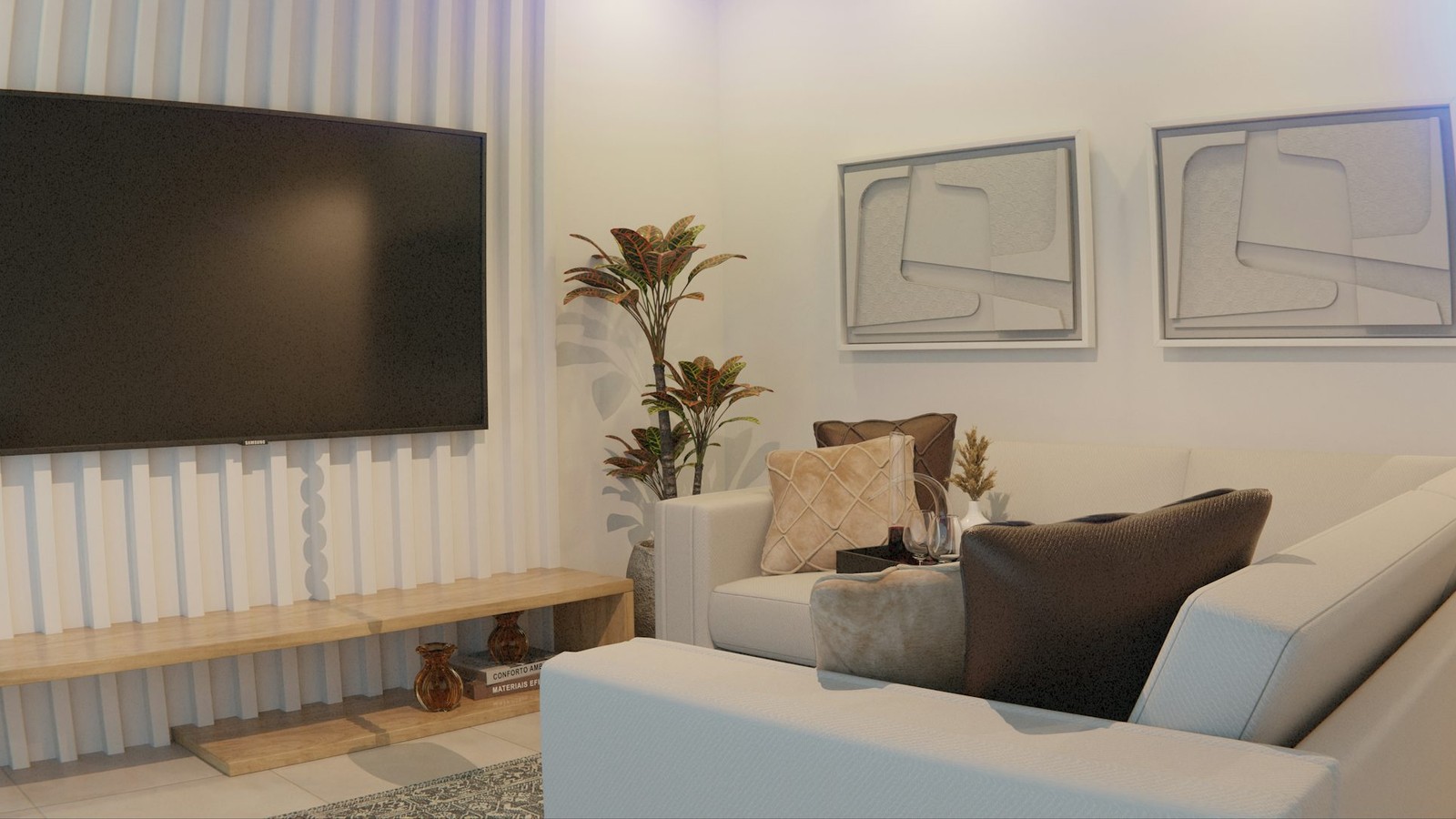
A good TV setup is not only about installation. It is about making the first remote session feel obvious.
Optimize for long-term reliability
Smart TVs benefit from fewer redundant sources and cleaner libraries. Keep only the lineups you really use on that screen so navigation stays fast and the first load of each session remains predictable.
A professional TV setup starts with the right install route and ends with remote-friendly defaults that feel natural for the room.
Etape suivante